





























UGEE Upgrade M808 10x6.25 inch Drawing Tablet


- — Cash on Delivery
- — Khalti Wallet Online Payment
- — Connect IPS Online Payment
- — Credit Card / Debit Card Online Payment
- — SMS notification
- — Return : 7 days
- — Different payment methods
- — Best price
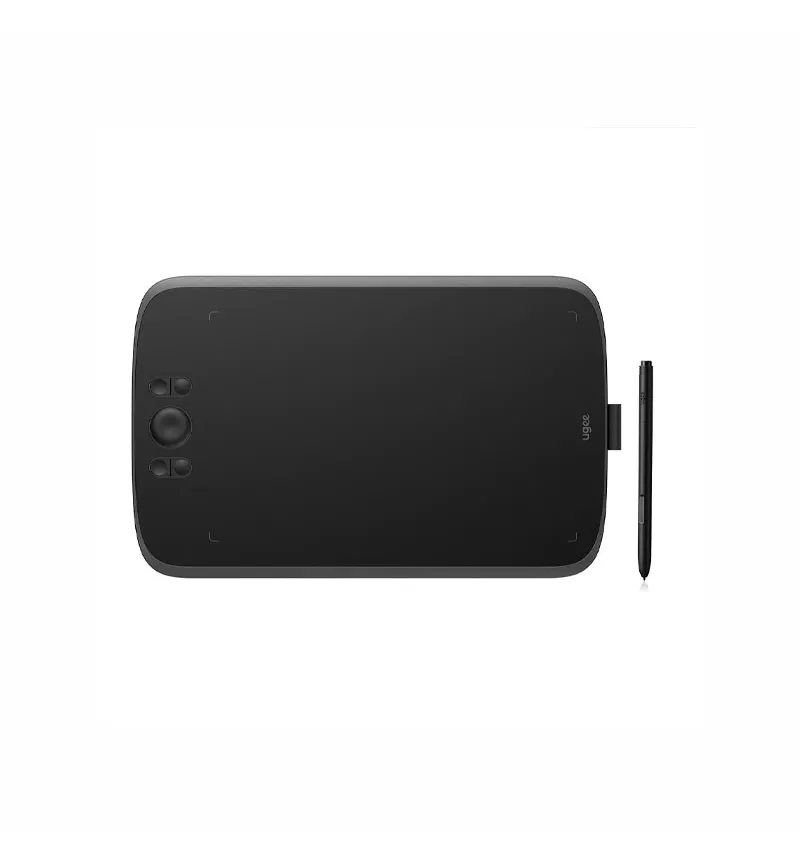
UGEE M808 Drawing Tablet (10 x 6.25 Inch)
The UGEE M808 Drawing Tablet is designed for artists, designers, and students who want precision and control in digital creation. With its large active area and high-resolution input, it provides a smooth and natural drawing experience.
Its slim and lightweight design makes it easy to carry, while the USB connectivity ensures quick setup and compatibility with various devices. Whether you're sketching, editing, or designing, the UGEE M808 is a reliable tool for your workflow.
Key Features
10 x 6.25 inch workspace for comfortable and precise drawing.
5080 LPI for detailed and accurate pen input.
Simple plug-and-play setup for quick usage.
Lightweight and easy to carry for work anywhere.
Ideal for drawing, graphic design, and digital editing.
Technical Specifications
| Specification | Details |
|---|---|
| Product | UGEE M808 Drawing Tablet |
| Category | Tablet |
| Brand | UGEE |
| Model Number | M808 |
| Active Area Size | 10 x 6.25 inches |
| Resolution | 5080 LPI |
| Connectivity | USB |
| Technology | USB Connection |
| Color | Black |
| Dimensions | 330.1 x 210.1 x 9.3 mm |
| Weight | 449 g |
| Battery | N/A |
| Warranty | 1 Year |
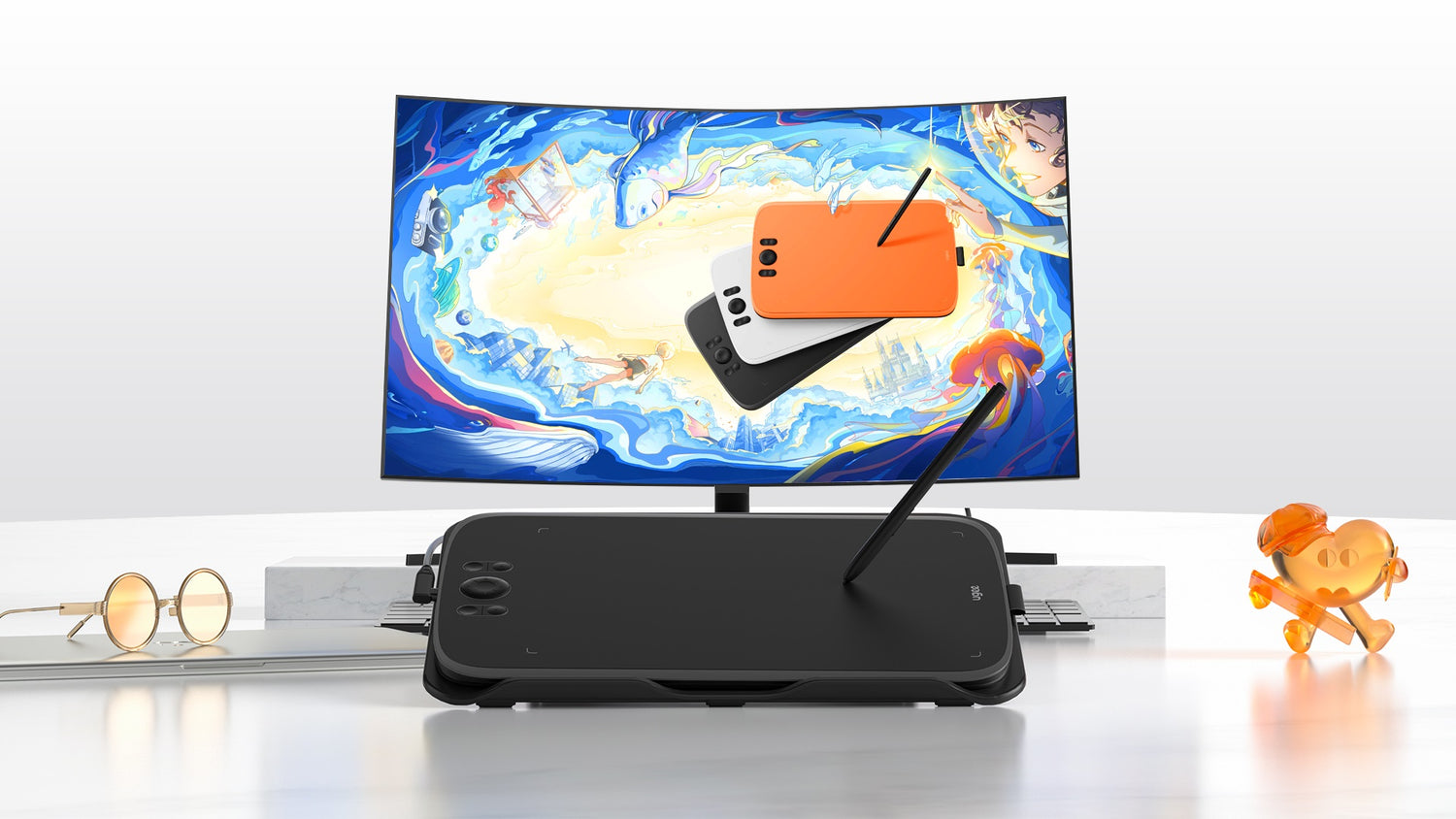
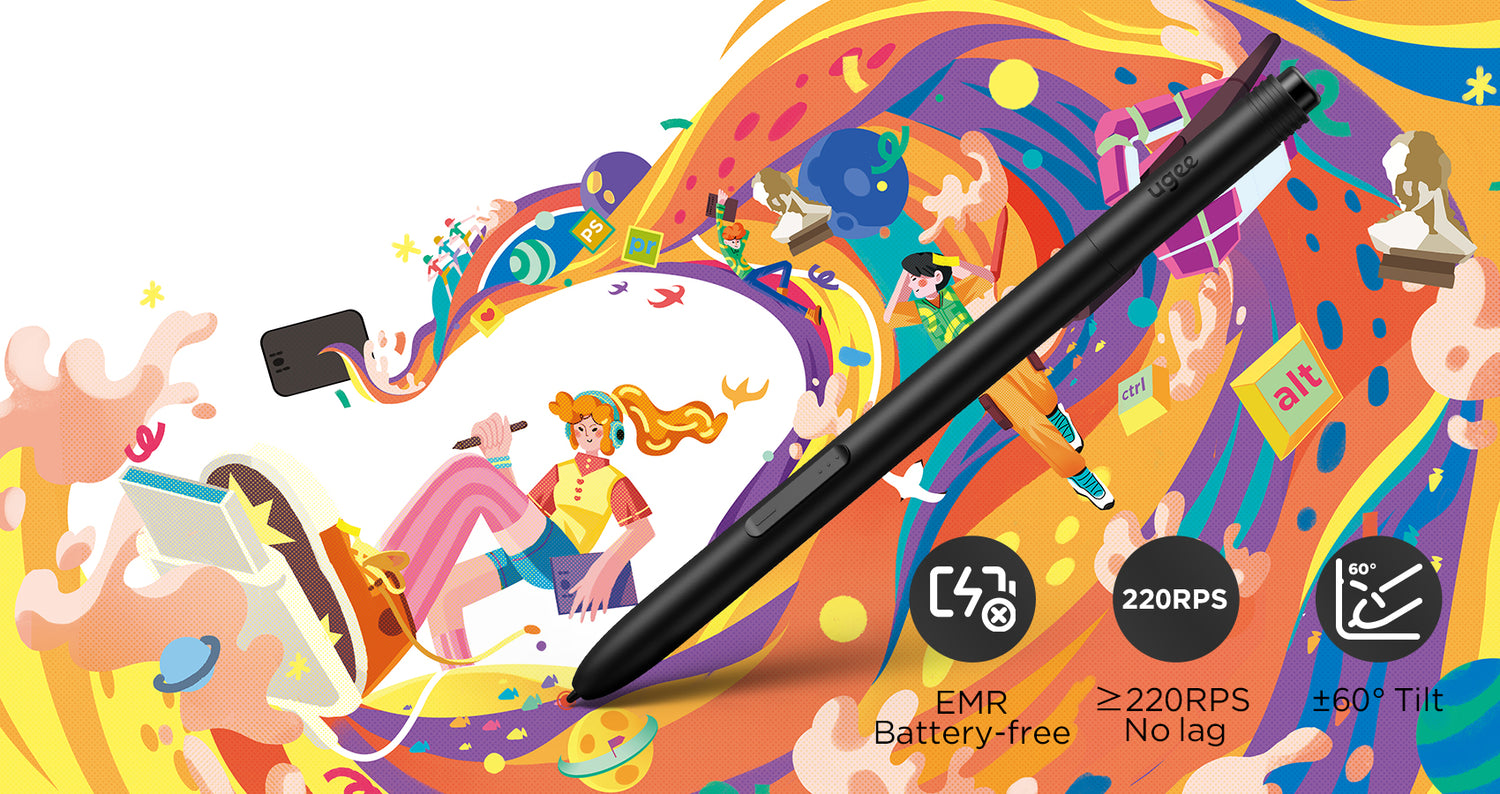
New-Gen Battery-Free Stylus brings smooth and stable drawing experience
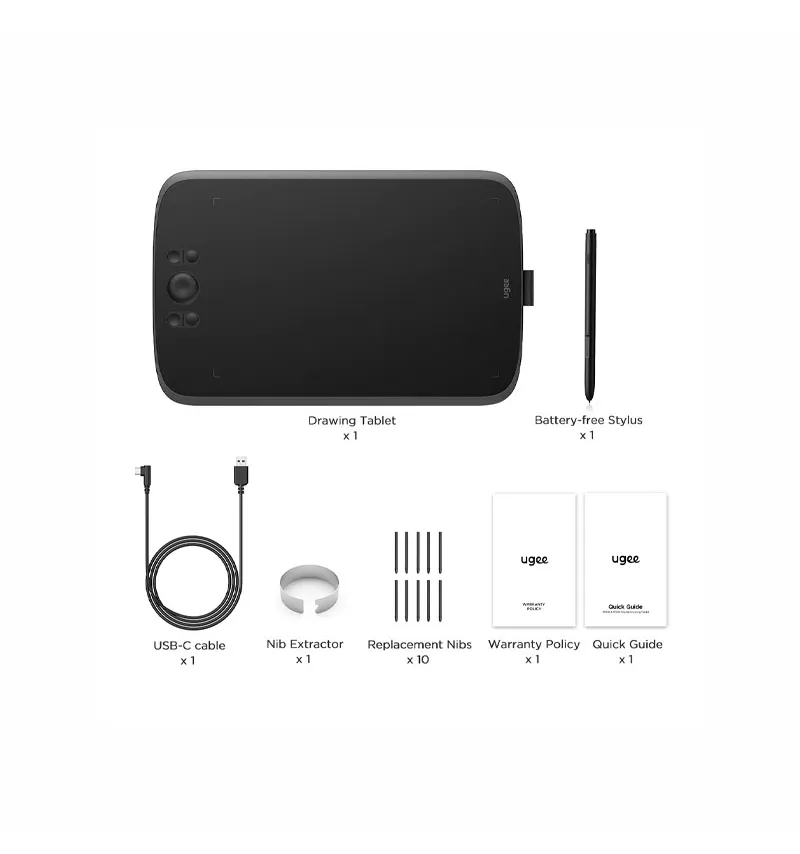
Experience the ultimate upgrade with our new generation of stylus PH23, equipped with advanced Passive Electromagnetic Technology. Compared to traditional stylus, the PH23 significantly controls the swing aperture of the nib to<0.1mm, ensuring precise and smooth drawing without any unwanted oscillations or rebound.
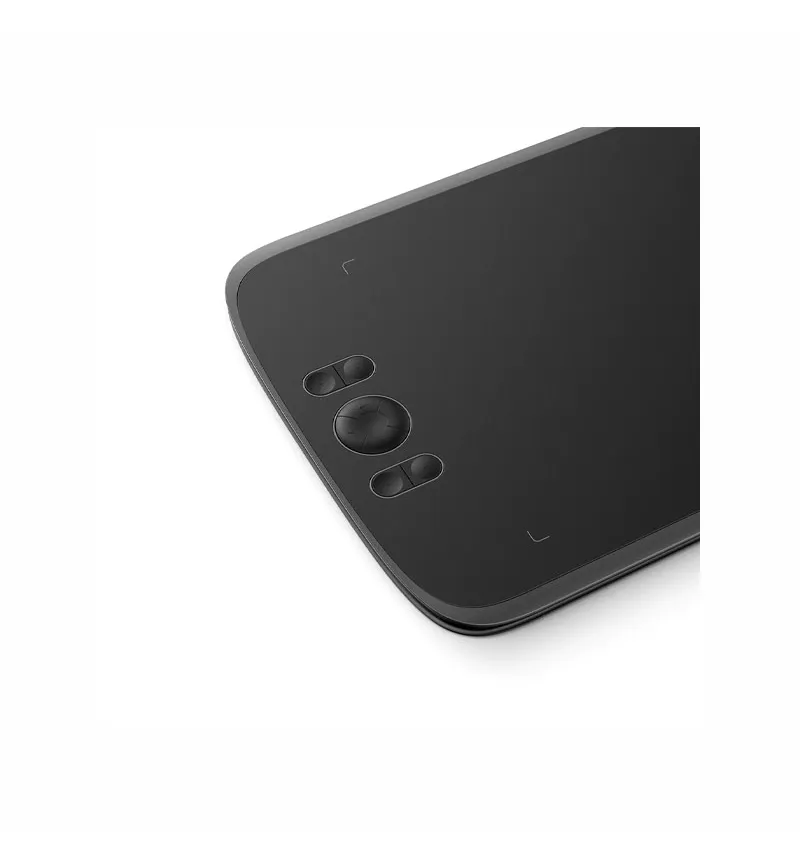
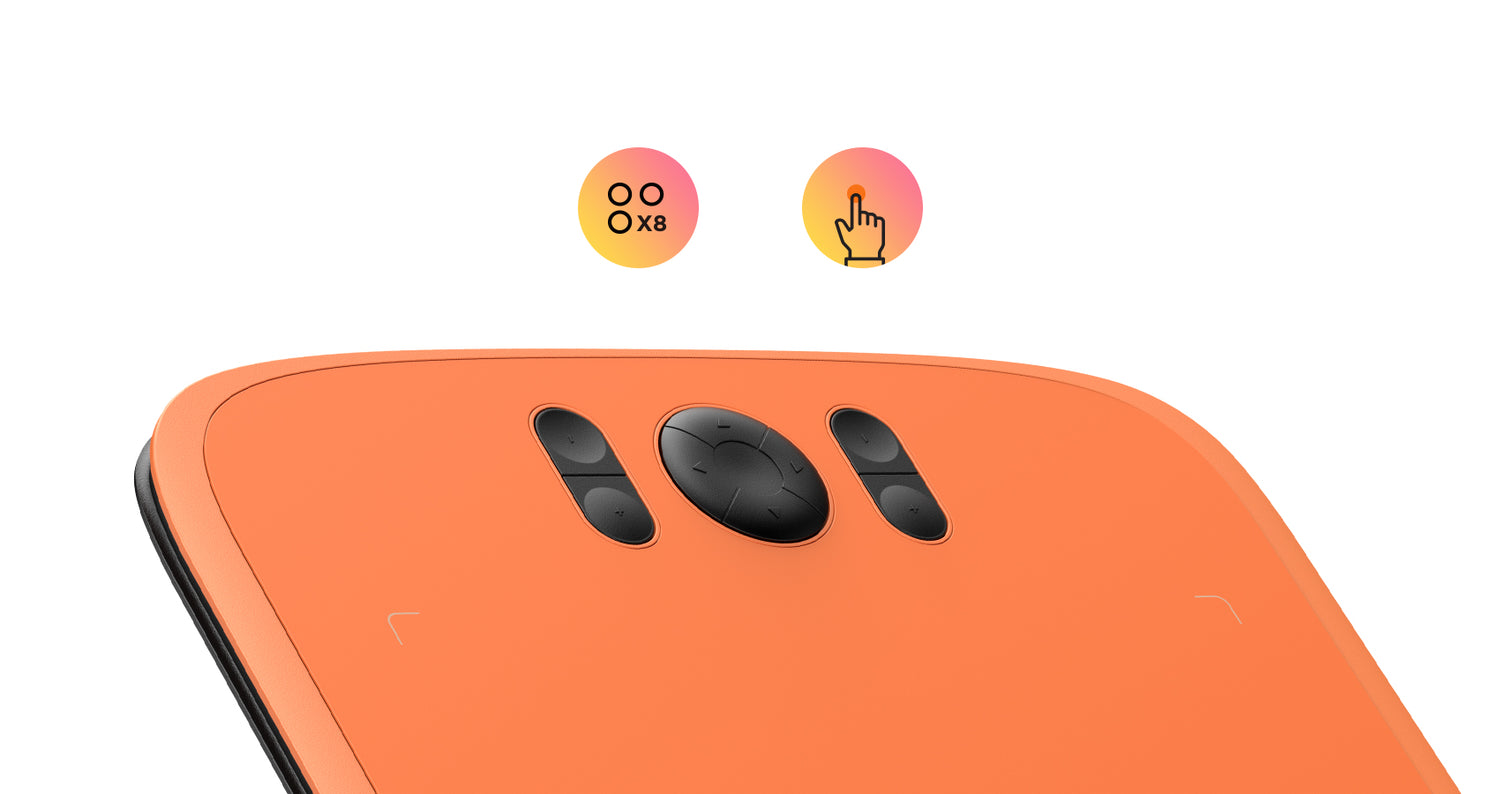
8 Shortcut Keys to improve drawing efficiency
The M808 is equipped with 8 customizable shortcut keys conveniently positioned with a textured design for easy blind operation, easily got started and stayed focused on your creative process without distractions, greatly improving drawing efficiency.
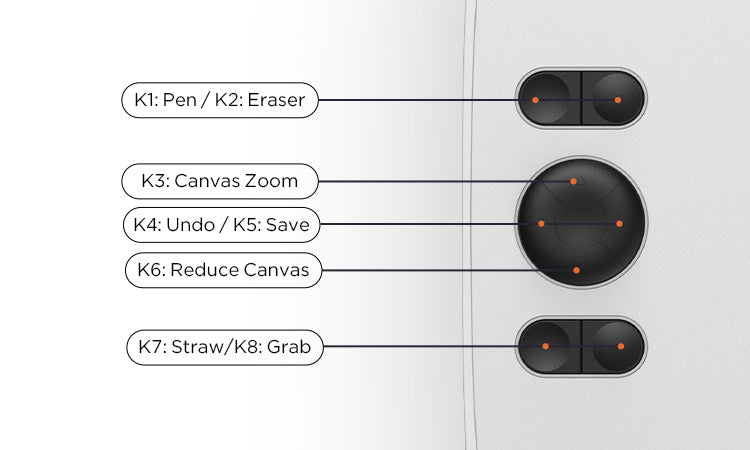
Customize your preference
The default settings of shortcut keys are commonly used drawing tools such as pen, eraser, brush size adjustment, and undo, etc. You can also customize the shortcut keys through the computer according to your preferences.
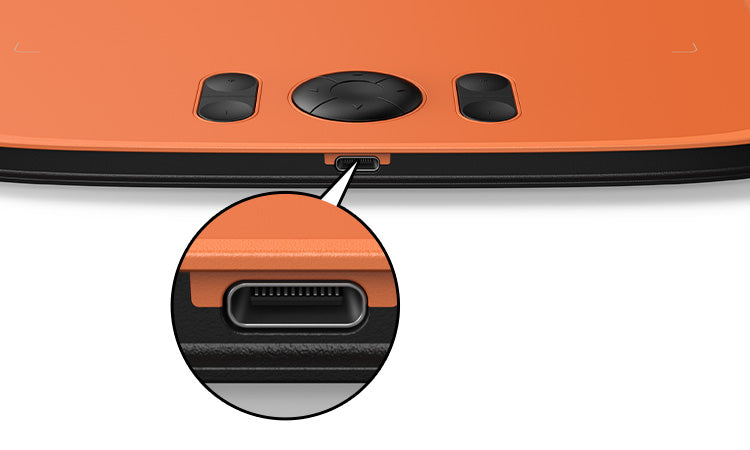
Type-C Port for quick connection
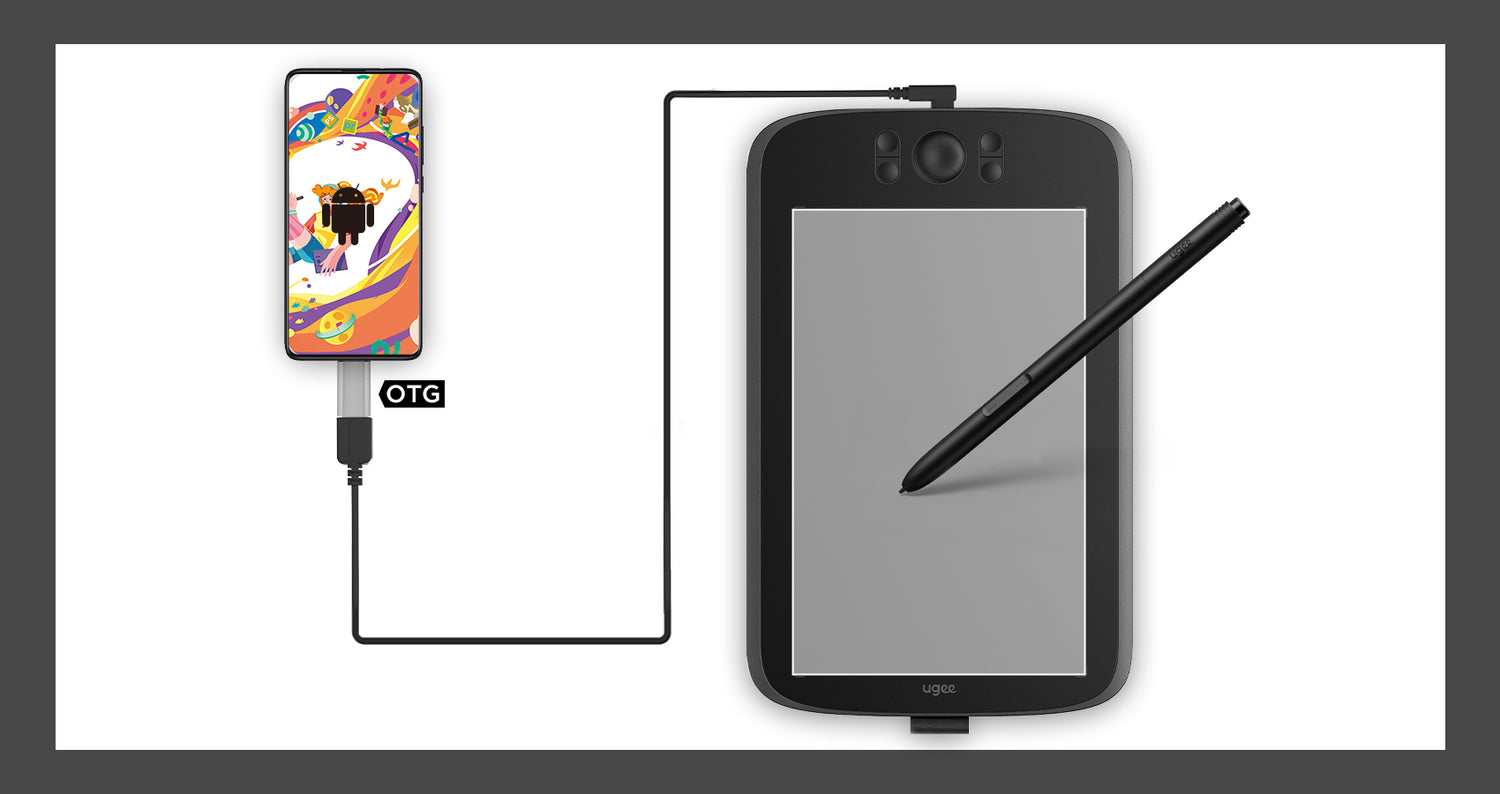
This drawing tablet comes equipped with a mainstream Type-C port, allowing blind plug-in for enhanced convenience. With just one USB-A to C cable, you can effortlessly connect the drawing tablet to your computer, laptop, Android phone and tablet, and jump-start your creative process instantly.
Draw on Android Phones
In addition to computers, the drawing tablet also supports Android phones to connect and use. The default vertical board state when connecting, fits the mobile phone drawing habit.
Compatible with Multiple System & Software
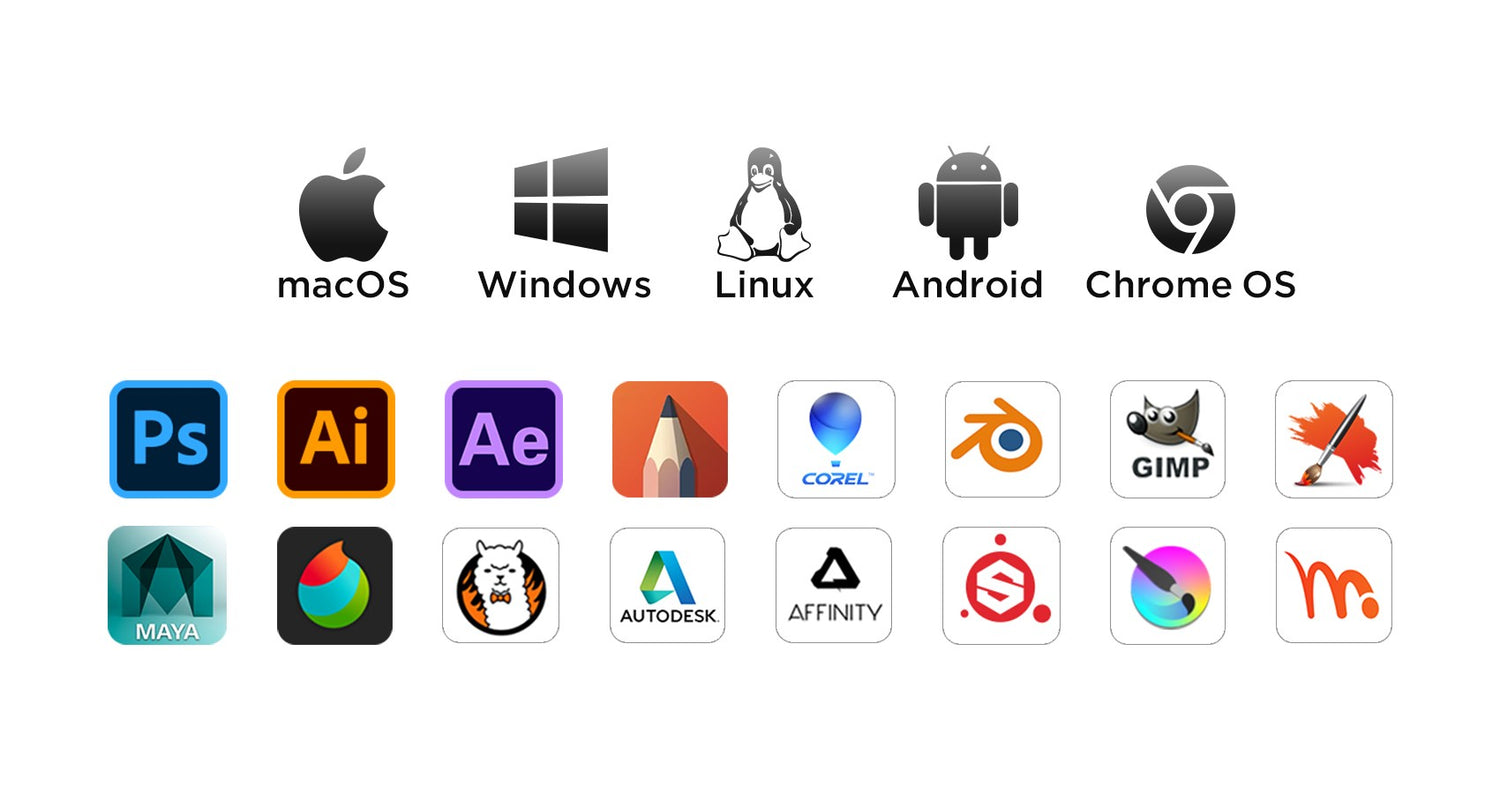
Support Windows 11/10/8/7, Mac OS X 10.13~10.10, Chromebooks (Note: Chrome Os 88.0.4324.109 And Newer Versions Are Required), Android 6 (or latter) and Linux systems. Support Medibang, Clip Studio Paint, SAI, Adobe Photoshop, , Illustrator, Corel Draw, Corel Painter, Sketchbook, Manga Studio, Etc.
No reviews found